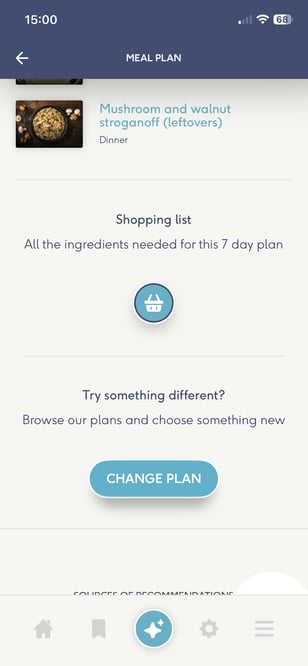
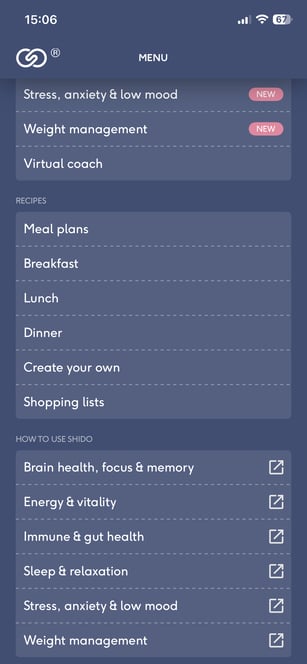
To create a shopping list, scroll down to the bottom of the page of your Meal plan and click the basket icon or navigate to menu :> Shopping list.
You will have the option to choose the ingredients that you need and tick off those you already have to make your shopping list more accurate.
Click save and you will be presented with the following options:
- 1. Save the shopping list to your library
- 2. Send it to your email
- 3. Share